
API documentation is written as reference material, but developers arrive with tasks: "how do I fetch user data?" Answering that from a several-hundred-page PDF means already knowing which endpoint you need - which is exactly the knowledge you came to find. API-Agentic-Chat closes that gap: ask in plain language, get the relevant endpoints back with step-by-step explanations, parameters, and request/response structures included.
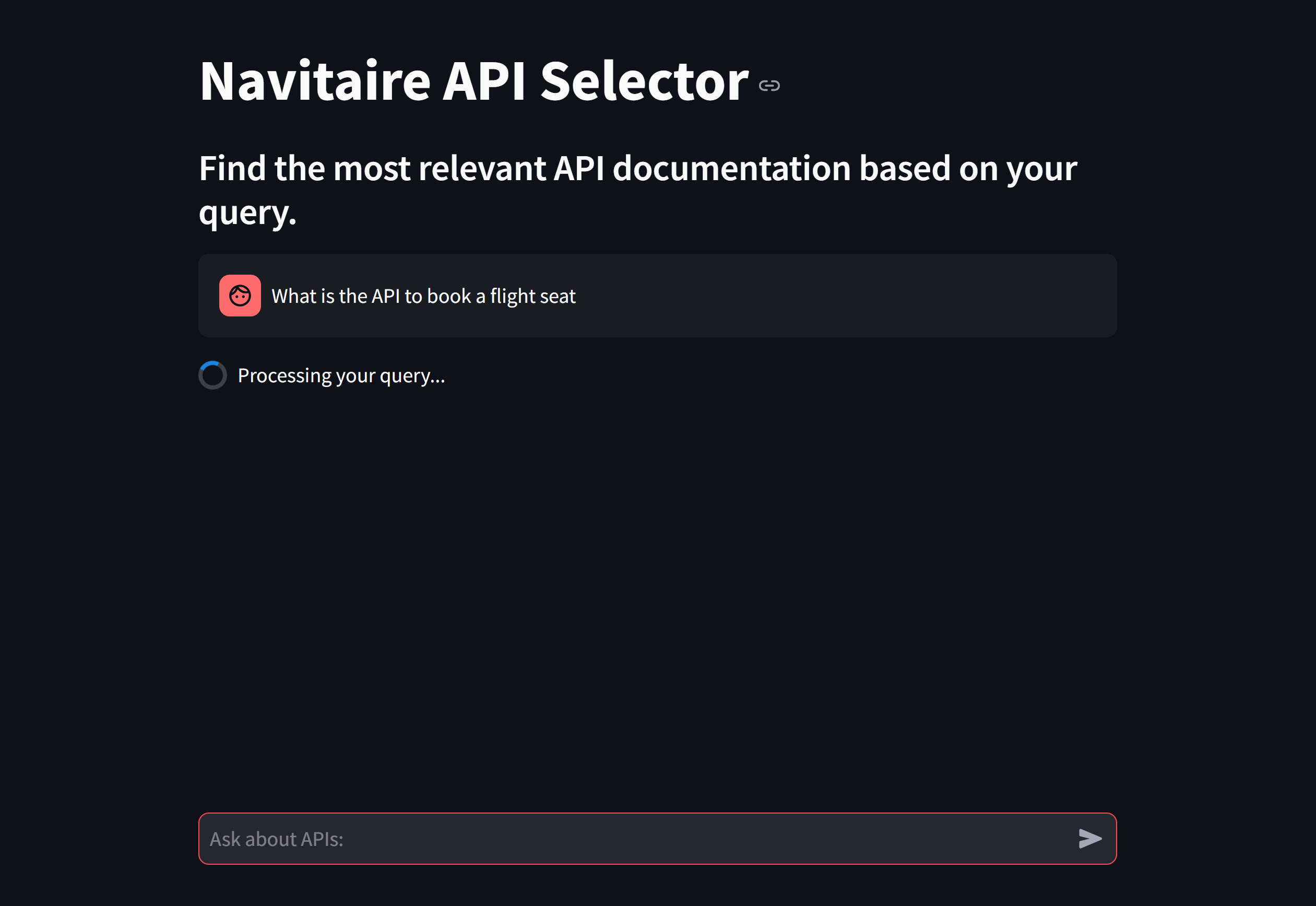
Interactive Chatbot Interface
Two agents, deliberately separated
The system splits the work between two agents, and the split is the design decision that matters: retrieval and explanation fail differently, so keeping them separate makes a wrong answer traceable - did the system fetch the wrong endpoint, or explain the right one badly?
1. API Selector Agent
- File:
src/api_selector.py - Purpose: Matches user queries to the most relevant API documentation using embeddings and FAISS.
- How: Embeds the user query, searches the FAISS index over chunked documentation, and retrieves the most relevant endpoints with their descriptions and parameters.
2. Explanation Agent
- File:
src/construct_prompt.py - Purpose: Generates natural language explanations using OpenAI's LLM.
- How: Combines the retrieved chunks into coherent step-by-step answers, maintaining conversational context across multi-turn interactions.
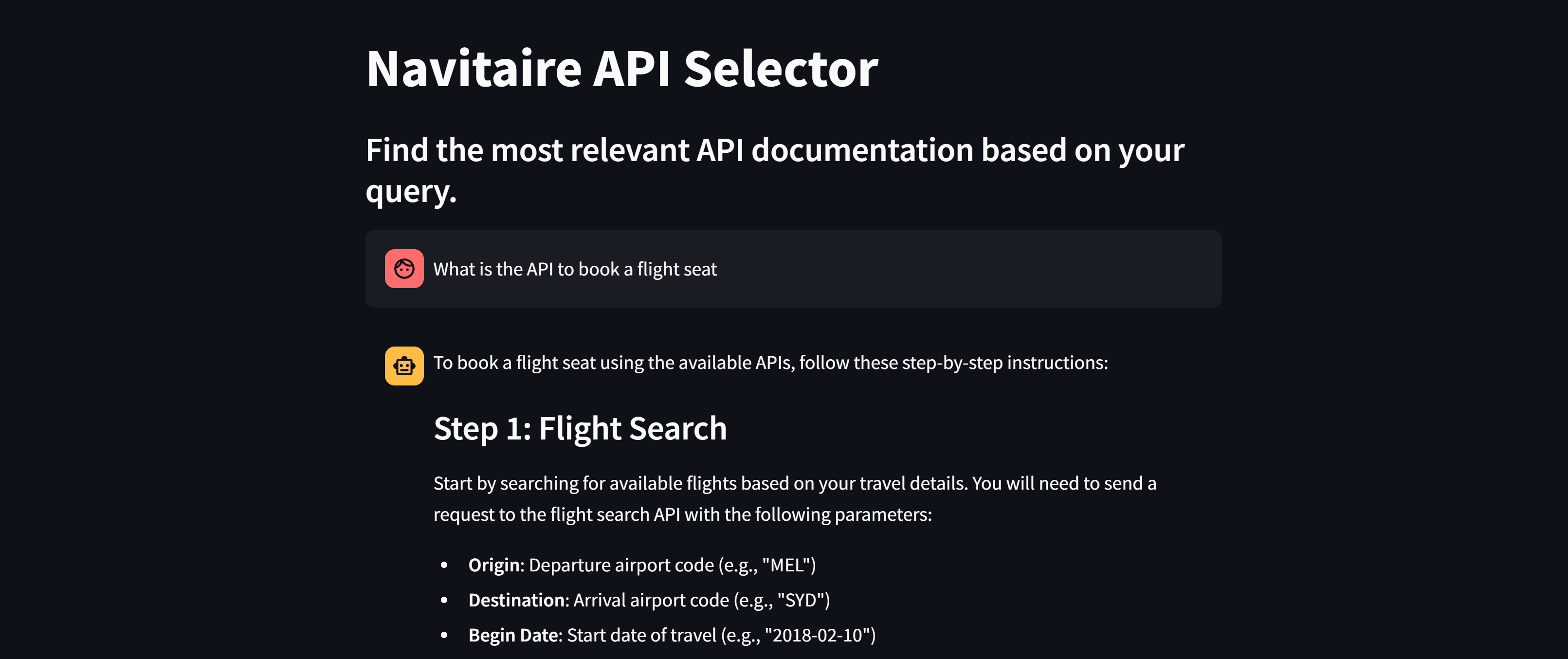
Output of Retrieval
How It Works
- Process API Documentation: Users drop documentation PDFs into
reference_docs/, and the system chunks them into manageable pieces. - Generate Embeddings: Chunks are embedded with OpenAI and indexed with FAISS for fast, accurate retrieval.
- Ask Questions: Natural language queries (e.g., "How do I fetch user data?") pull the relevant chunks, which are combined into a coherent explanation.
- Streamlit Interface: Responses include API descriptions, parameters, and full request/response structures - not just prose.
Who it's for
- Developers integrating an unfamiliar API who want guidance rather than a scavenger hunt through the docs
- Teams whose internal API documentation has outgrown anyone's memory of it
- New developers learning how to work with APIs, with each answer walking through the steps
Installation
Follow the steps in this file to set up API-Agentic-Chat on your local machine: Getting-started
For more details, visit the API-Agentic-Chat GitHub Repository.